
Platform
Accounts and classes
The three kinds of account, what each one can do, and how class codes work.
There are three ways to end up with a UAVProg account, and the difference matters more than it looks: it decides whether the account has an email address at all.
That one fact decides how you sign in, and who can help when you forget your password.
| Account | Signs in with | Who resets a forgotten password | |
|---|---|---|---|
| Student, own account | Required | Email or callsign | They do, by email |
| Student with a class code | None | Callsign only | Only their teacher |
| Teacher | Required | Email or callsign | They do, by email |
Callsigns
Every account has a callsign: a short public name, 3 to 24 characters, using
lower-case letters and numbers, with . _ - allowed in the middle but not at
either end.
For an account with an email address, the callsign is a convenience — either it or the address signs you in. For a class-code student the callsign is the whole credential. There is nothing else.
The sign-up screen suggests callsigns if you cannot think of one, and every suggestion it offers is genuinely available — it will never propose a name and then refuse it at the end.
Badges
Instead of profile photos, accounts pick a badge: a drawing and a colour from a fixed set. There are no uploads. Most of the people using this are children, and a fixed catalogue is the only version of avatars that needs no moderation.
You can change your badge whenever you like.
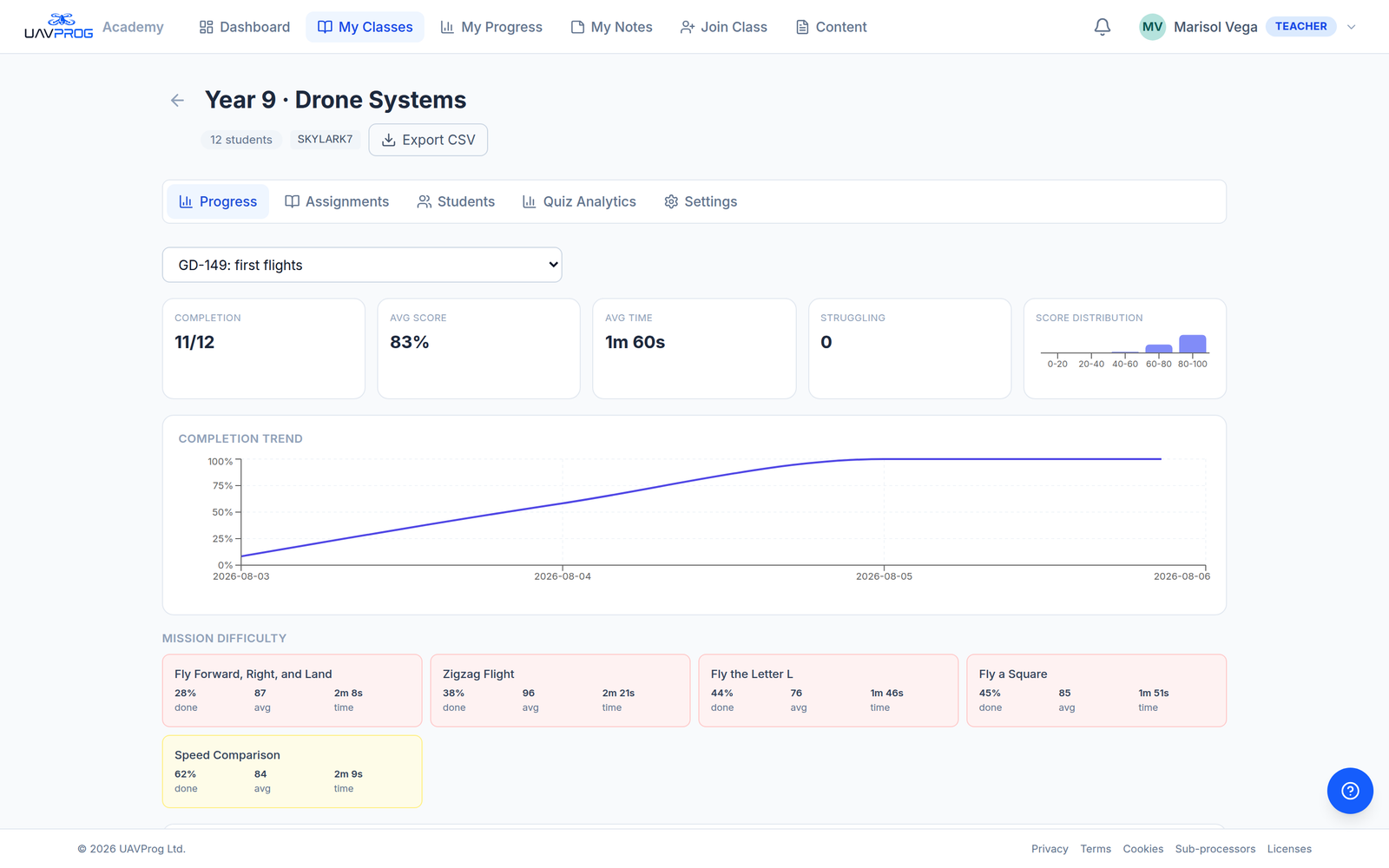
A class roster. The code beside the class name is what students type to join.
Class codes
A class has an invite code — eight capital letters and digits, like
SKYLARK7 — created with the class. It is how students join, and there is
nothing else to do: no accounts to create for them, no addresses to collect, no
invitations to send.
Anyone with the code can join, and there is no approval step. Two things follow from that:
- The code cannot be changed. There is no way to rotate or retire it, so treat it as semi-public. If it leaks, remove whoever should not be there, or make a new class.
- Joining twice is harmless. The second attempt does nothing at all.
A student already in the class can never be locked out of their own place by the class being full — they are not asking for a new one.
Two limits on class size
Both are set by an administrator, and the error message tells you which one you hit:
- Your own limit — how many students one teacher may have, counted across all of their classes together. A student in two of your classes takes one place.
- The school’s seats — every student of every teacher at the school.
Going deeper
This page is the one-screen version. Two pages take it further:
- The three kinds of student account — for teachers: what you can and cannot do for each kind, and the whole forgotten-password procedure.
- Your class and its code — creating a class, the five tabs, removing students, and getting marks out.
If you are a student rather than a teacher, go to Joining your class with a code or Learning on your own instead.