
Simulator
Your first flight
Launch a session, take off, move, and land — the four things every later lesson builds on.
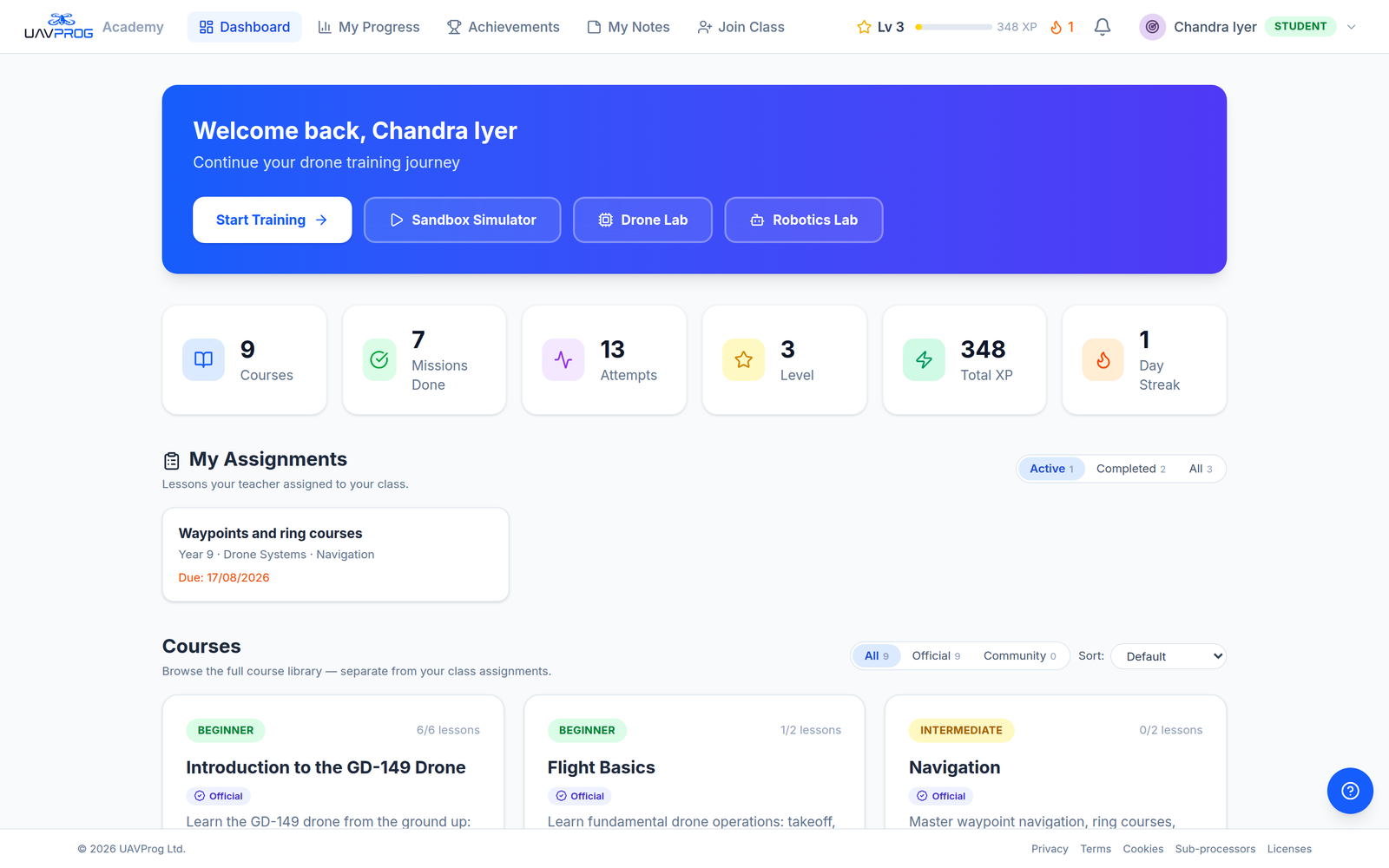
Launch the simulator
From the dashboard, press Launch Simulator. The first launch of the day takes a couple of minutes — it’s starting a machine, not opening a page.
Wake the motors
Drag active fly out of the APEX GD240 category. Nothing moves. That is the block’s whole job: until it has run, the aircraft ignores everything else.
Take off
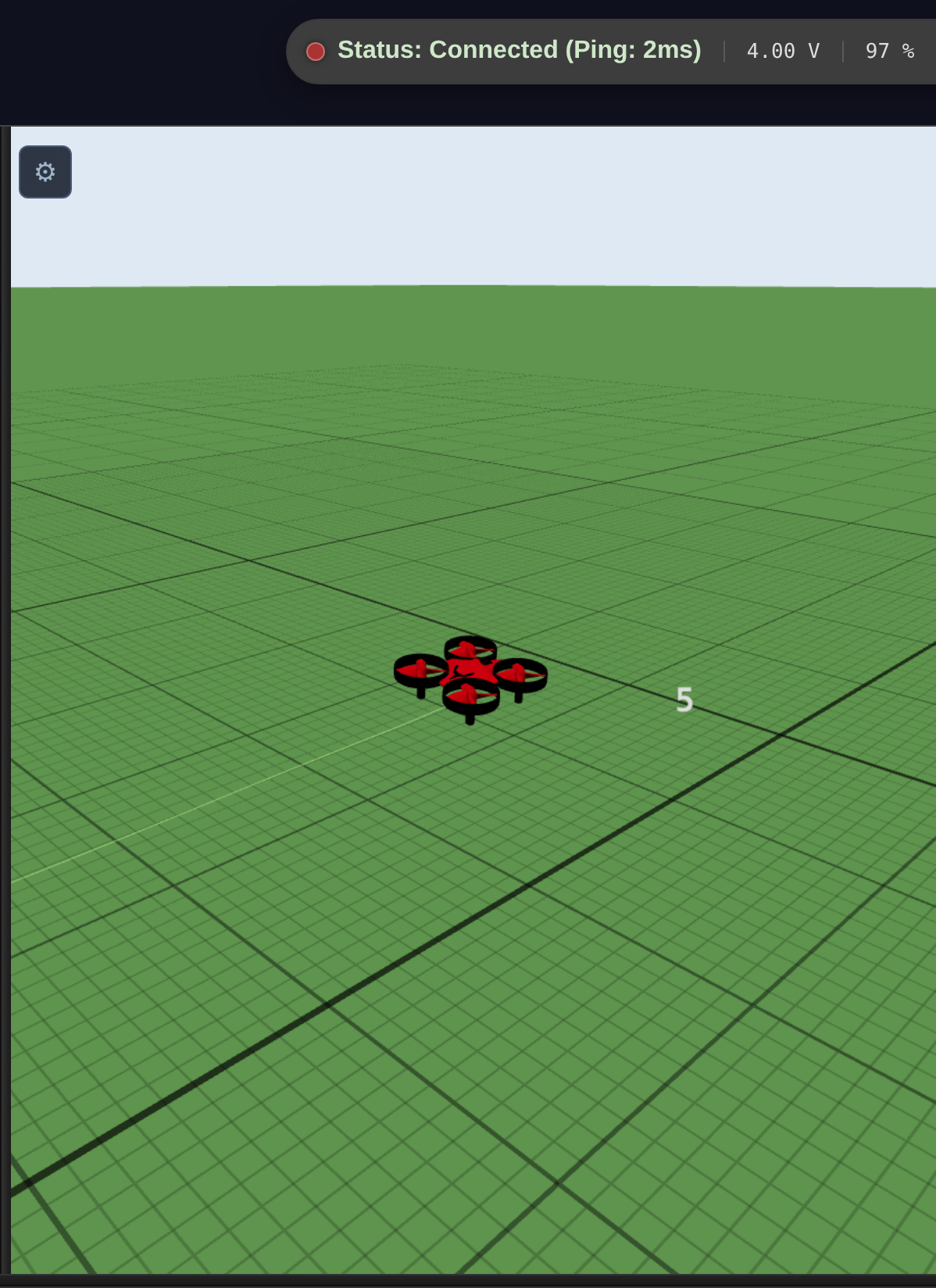
Snap take off underneath and press Run. The aircraft climbs and holds.
Move
Add a fly block. Pick a direction from the first dropdown — Front, Back, Left or Right — and a speed from the second.
The aircraft’s nose defines forward, not the camera.
Then make it last
Add a wait block from Timing underneath, and set it to 2 seconds.
This one is not optional and it is the thing beginners leave out. fly does not travel a distance — it starts the aircraft moving and finishes immediately. Without a wait after it, the next block arrives in the same instant and replaces it, and the aircraft never goes anywhere.
Read a movement as three things: start · wait · stop.
Land
Finish with land. Always. A program that stops without landing leaves the aircraft hovering until the session times out.
The program
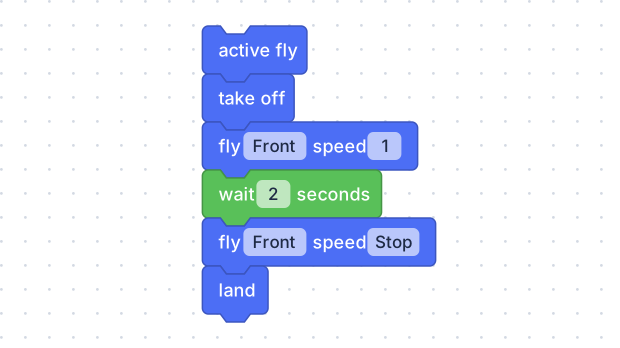
A first flight: wake up, go up, move, hold, stop, come down. Start · wait · stop — the wait is the distance, the stop is what ends it.
Read it top to bottom and it is a sentence. Each block is one instruction, and they happen in the order they are stacked.
What the blocks wrote
Press Code on the right edge of the screen to see it.
drone.active_fly()
drone.takeoff()
drone.fly('forward', 1)
time.sleep(2)
drone.fly('right', 1)
time.sleep(2)
drone.land()
Seven blocks, seven lines, same order. The panel also shows a few setup lines above and one below — the editor writes those in every program, and nobody edits them.
The two time.sleep(2) lines are the wait blocks, and they are what make the
two fly lines mean anything. Delete them and the aircraft receives both
instructions in the same instant: it flies right, briefly, and lands.